


How to use the Grimoire in Lore?

You want to expand your universe in Lore, our worldbuilding software, and take advantage of the Grimoire?
Here’s how to use it effectively and streamline the writing of your world.
What is the Grimoire used for?
The Grimoire is a recently added feature that lets you pre‑create rune blocks and save them so you can reuse them in other templates.
This makes it especially useful for reusing elements across multiple templates.
For example, in a Dungeons & Dragons setting, you’ll often find similarities between the Natural Creatures template (Dragon, Yuan-ti, Tiefling, etc.) and the Elemental Creatures template (Demon, Genasi, Slaad, Tanar’ri, etc.).
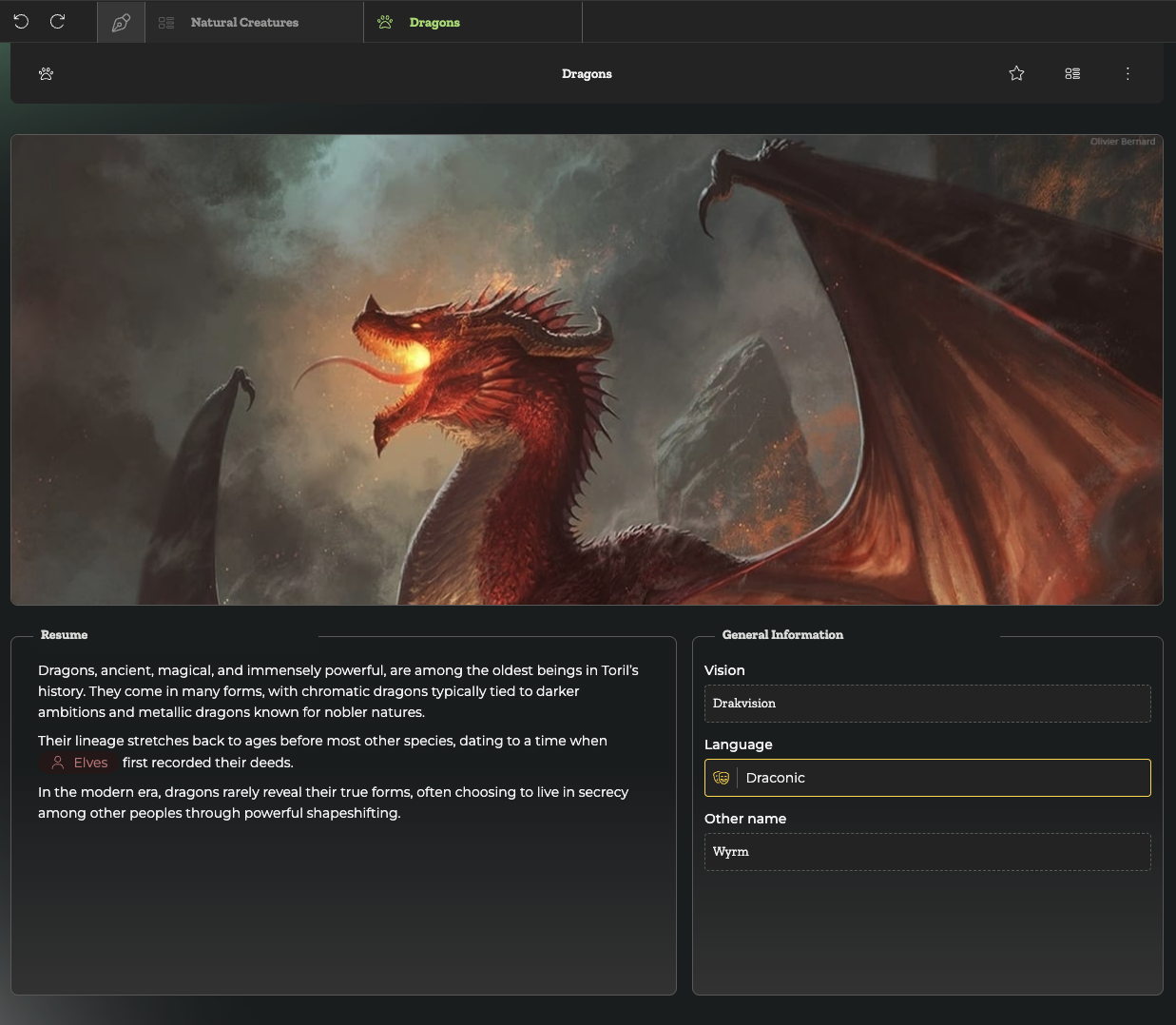
That’s where the Grimoire comes in!
Saving elements to the Grimoire
To save elements to the Grimoire, start by creating a rune block.
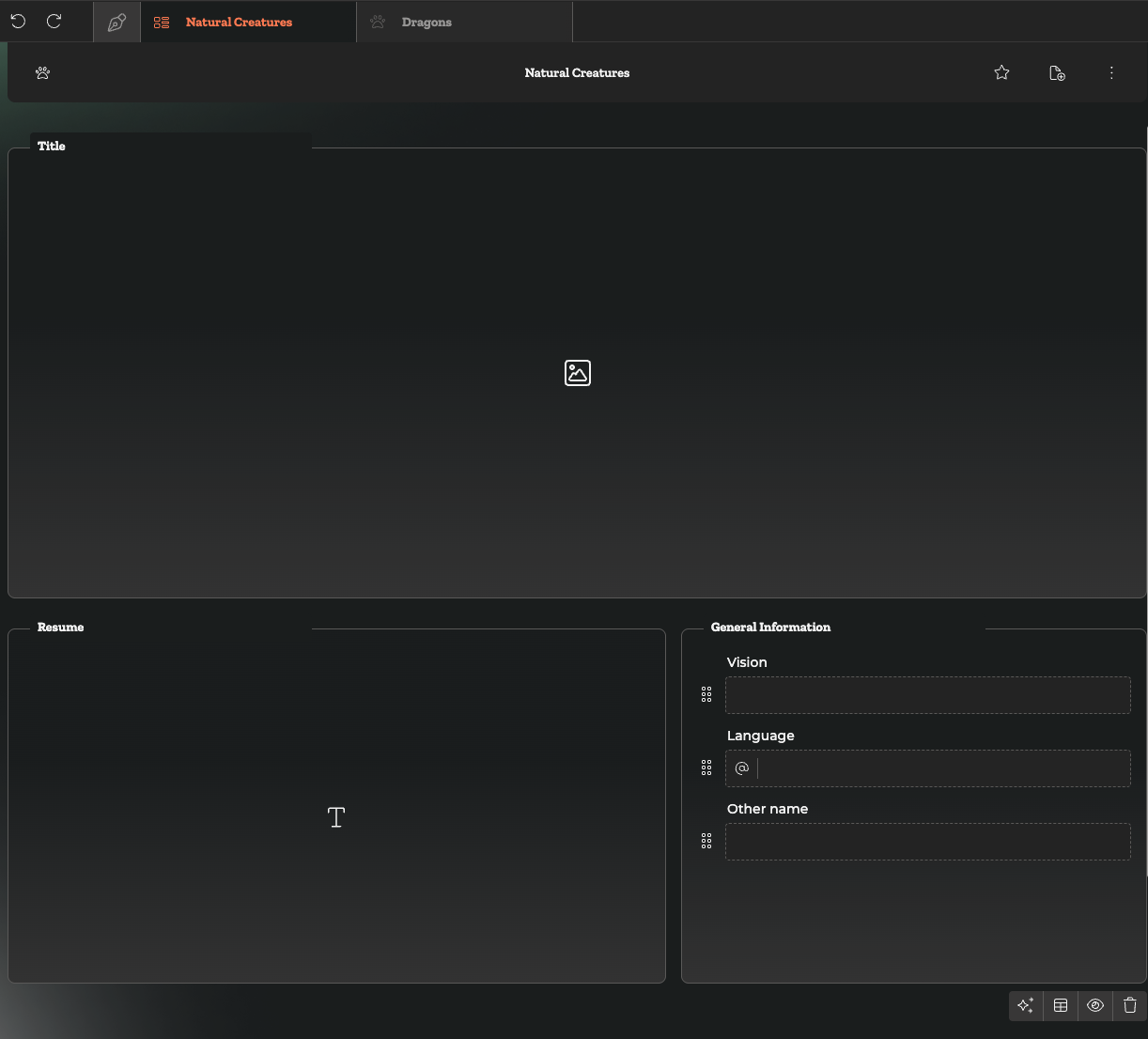
Add all the elements you want to reuse across multiple templates into a single block. Make sure to give it a clear name so you can easily find it later.
Once the block is complete, click the stars in the bottom-left corner of the block.
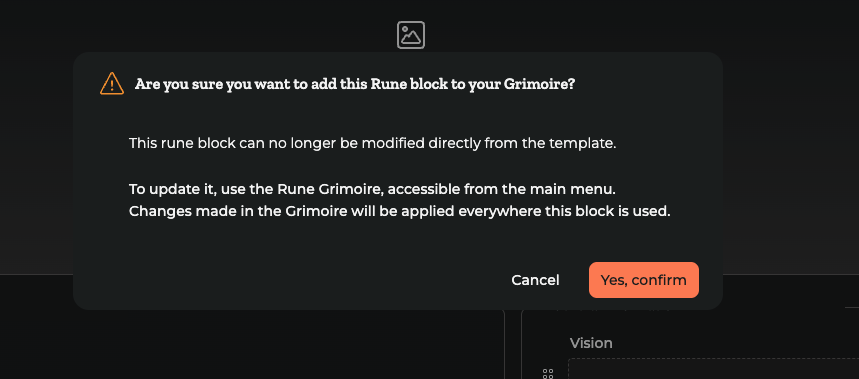
You’ll then be able to save it to your Grimoire.
Using elements from the Grimoire
Now that your block is stored in the Grimoire, you can reuse it whenever you want.
In this example, we created a rune block for the “Natural Creatures” template and want to use it again for “Elemental Creatures.”
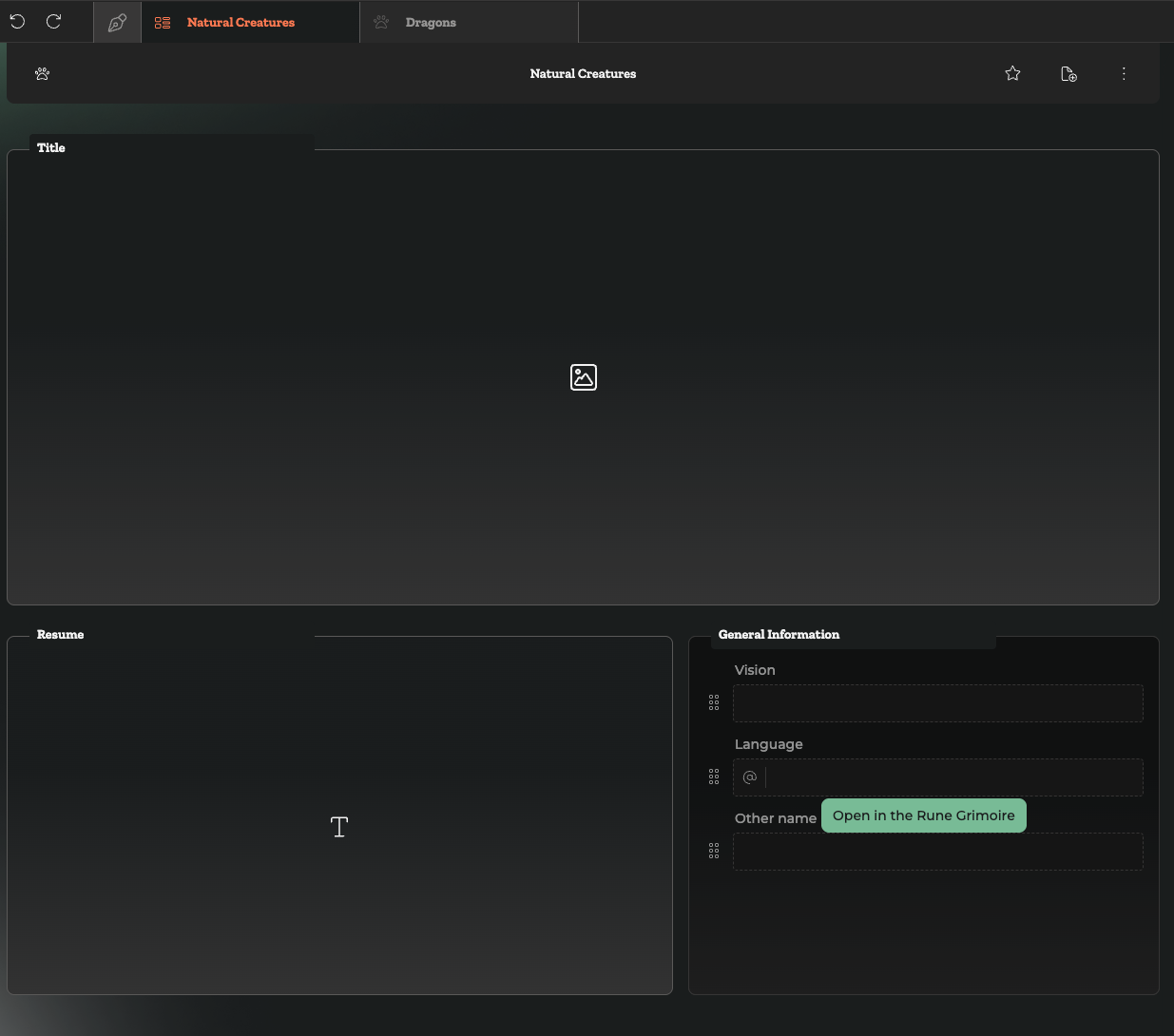
Start by creating a new template called Elemental Creatures. Add the elements you want: an image, a mirror link to related characters, and a resume.
Next, to add your saved rune block, open the palette on the right side of the screen and search the Grimoire for the block you want.
In this case, it’s called “General Information.” Simply drag and drop it into your template.
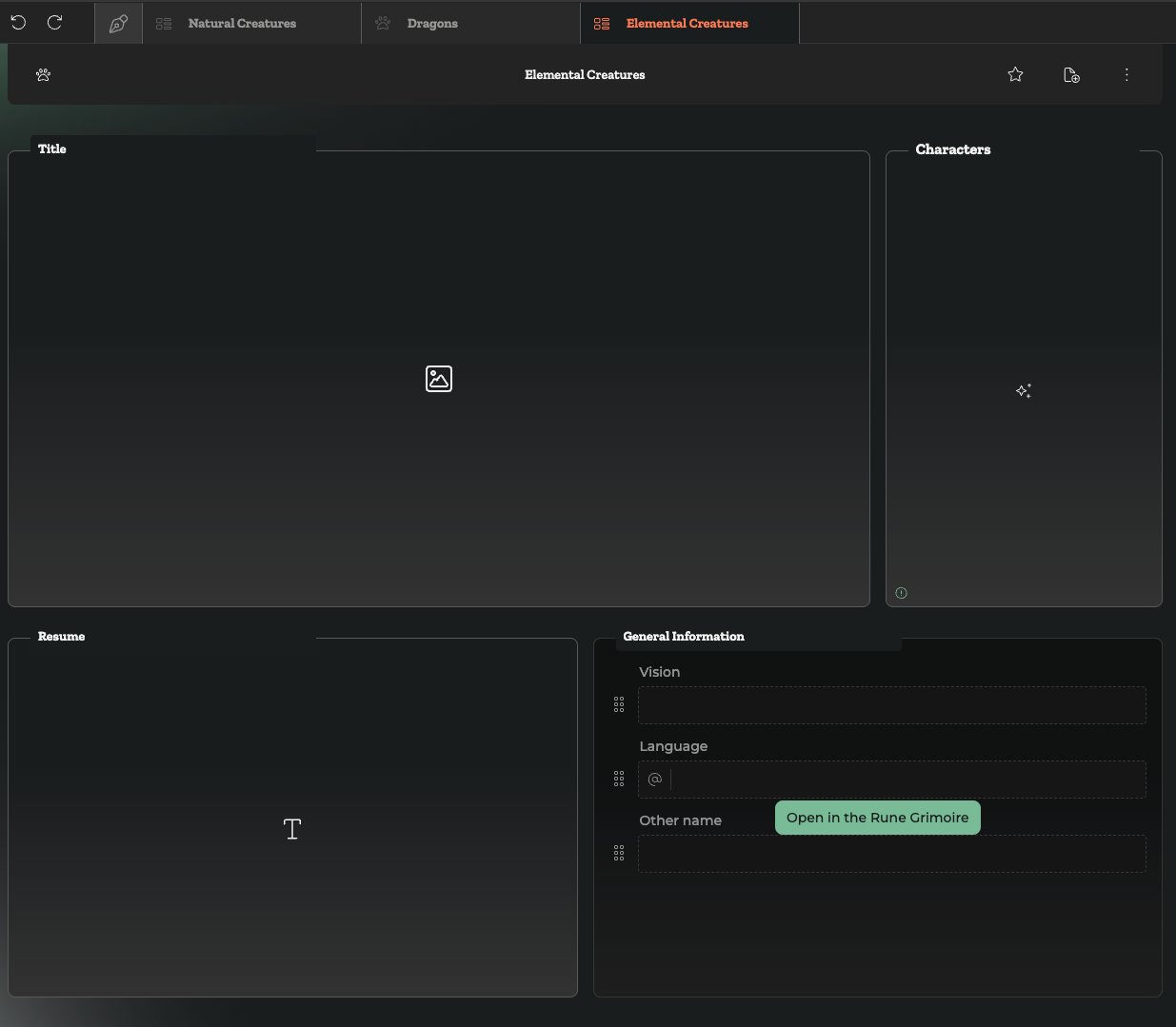
And that’s it: you’ve successfully used a block saved in the Grimoire!
In this example, we used a fairly simple block, but you can create much more complex rune blocks without any issue.
This will save you a lot of time, especially when you’re building a rich and detailed universe.