


How to create a Custom Calendar for your TTRPG Campaign

Want to add calendars to your tabletop role‑playing campaign? You’re in the right place!
Discover how to design custom calendars that fit your world and use them in your Lore or during your gameplay sessions.
Determine what your Calendar needs
To create a calendar that fits your story or world, it’s important to first identify your needs:
- Does your universe follow the Gregorian calendar or another system?
- Will you be adding information as your sessions progress?
- What information will your calendar contain?
- What format do you want it to take?
In short, you need to ask yourself the right questions and imagine what your calendar will look like.
Feel free to sketch it out on paper or in a notebook before creating it in Tome or Lore.
Creating a Custom Calendar in Tome
To create a custom calendar in Tome, our role‑playing software, you can use the new feature introduced in update 1.10: tables.
Create a Standard Table
Tables let you structure your ideas and design a linear calendar, for example, weekly layouts like in the image below.
Here, we created a classic seven‑day week, but you can customize the calendar based on your needs and add more cells if necessary. You can also tag other elements within the table.
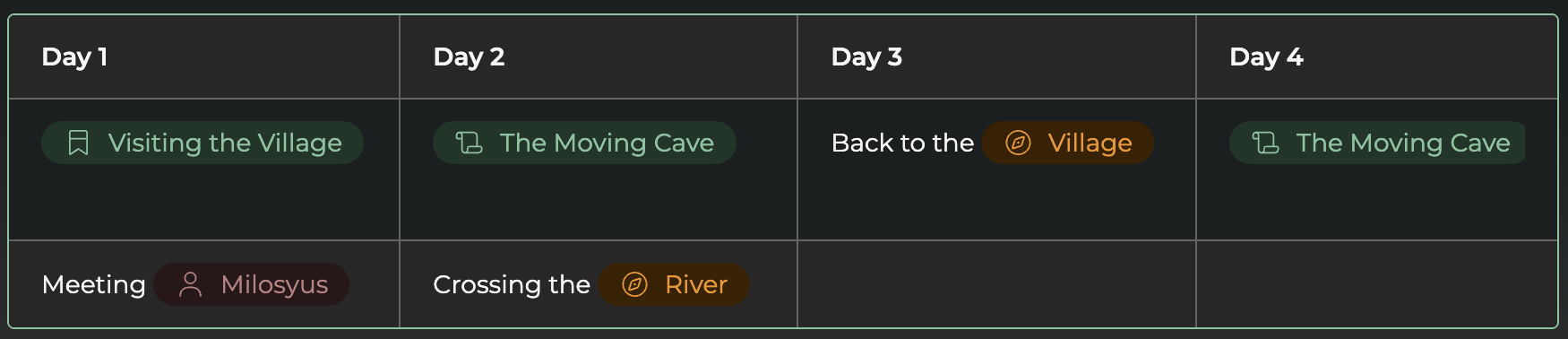
If you want, you can also create multiple tables in a row to track, for instance, your players’ progress throughout the campaign essentially using the calendar as a logbook.
Creating a Custom Calendar in Lore
In Lore, our worldbuilding software, you have several options for creating custom calendars.
Lore has the advantage of adapting to a wider range of projects, especially calendars designed for specific fictional universes.
Create a Standard Table
As in Tome, you can create standard tables and insert them into text blocks in Lore.
This is the simplest and most accessible method. The first row is automatically bolded and can serve as a header.
Using this option, you can easily create multiple calendars in a row, as shown in the example below.
Create a Diagram
If you want more customization, you can create a custom diagram
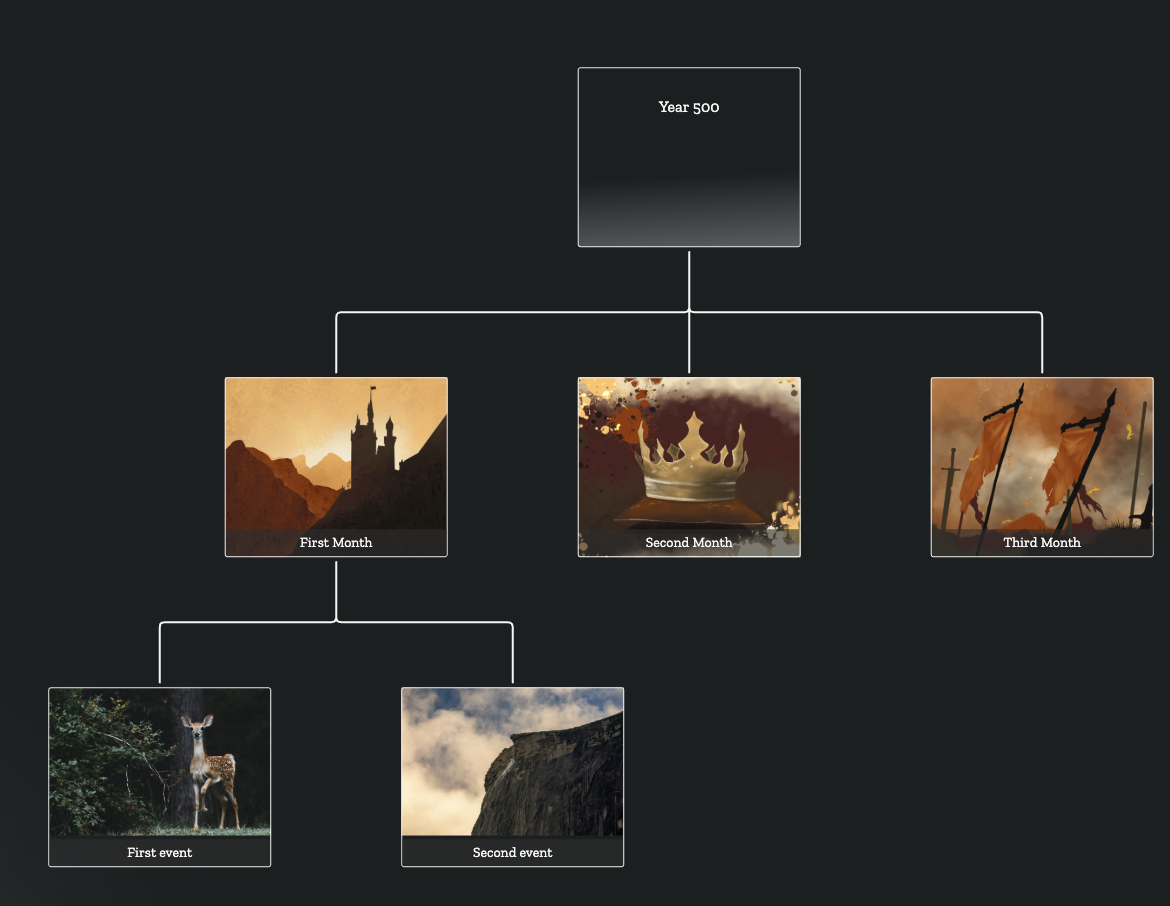
The advantage of this feature is that it has its own dedicated tab in the software, making it easy to locate your personalized calendar whenever you need it.
Create a Rune Table
The final option for creating a custom calendar is using rune tables. This option offers the most flexibility, as you can use various rune types: text, option, tag, divergence, and quantum.
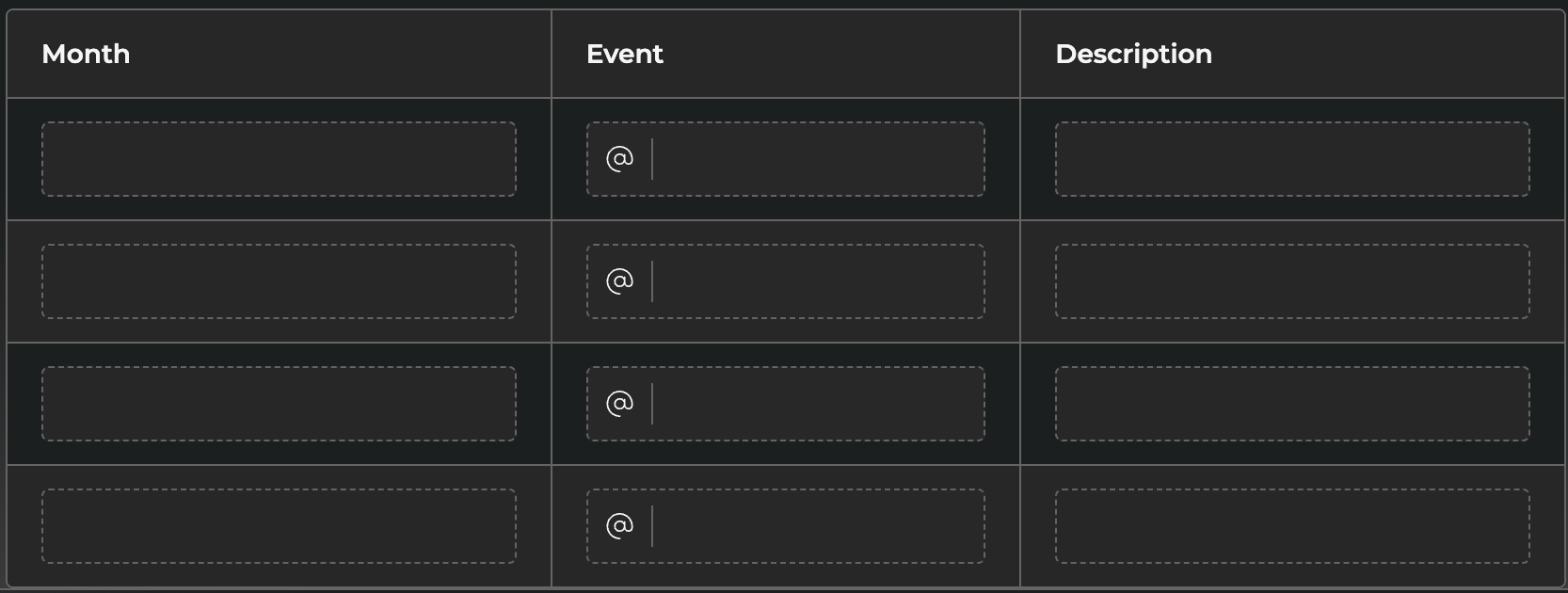
A rune table can also repeat on every page of your template, helping you maintain visual consistency.
We plan to develop a dedicated calendar feature in the future, allowing you to create them even more easily with tailored modules.
For now, feel free to experiment with the tools above!